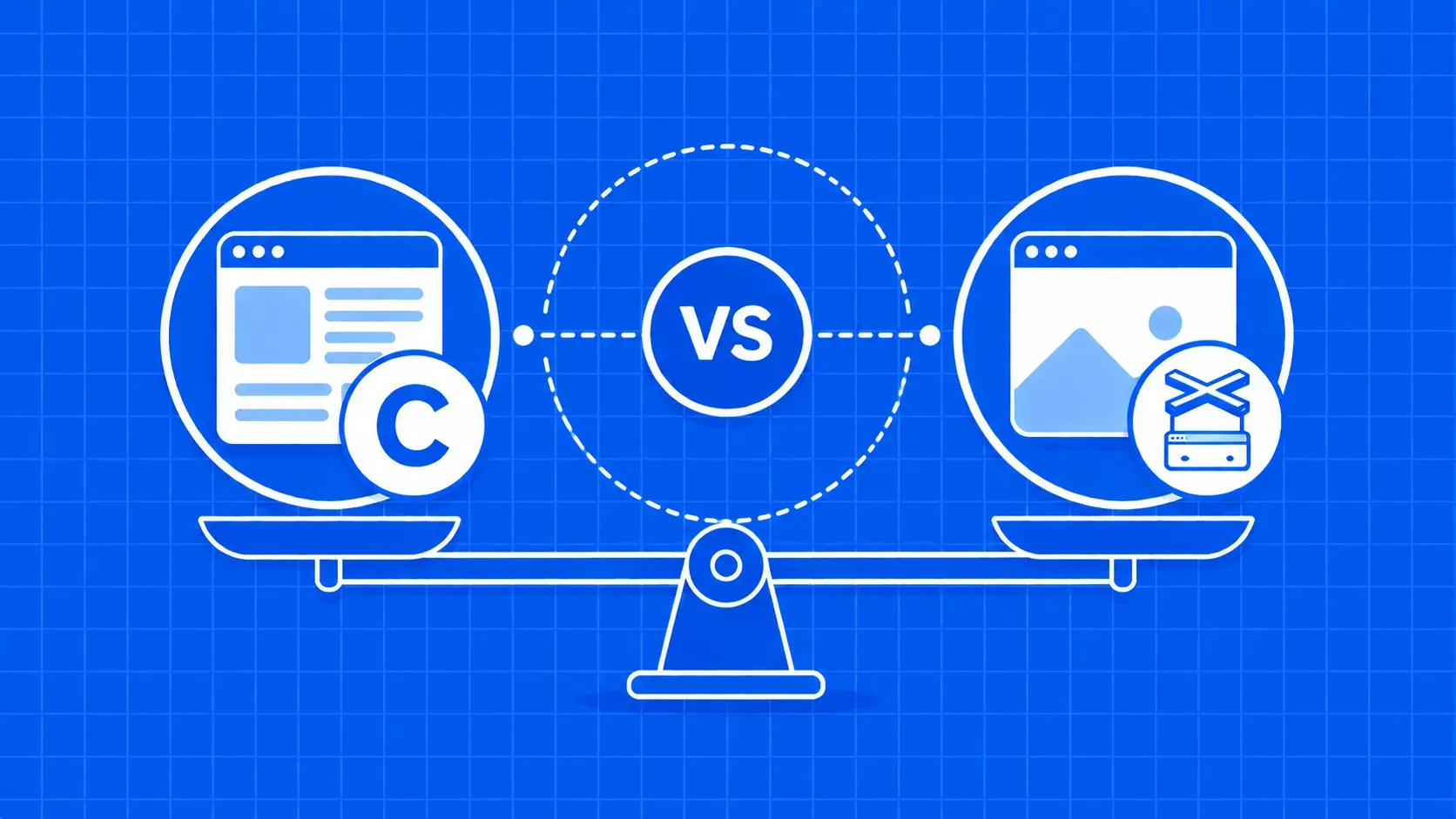
En resumen: Cheerio es un analizador HTML ligero; Puppeteer controla un navegador Chromium real. Usa Cheerio cuando los datos ya estén en el código HTML sin procesar, Puppeteer cuando los genere JavaScript, y combínalos cuando una página con mucho JavaScript tenga muchos campos que extraer por visita.
Si estás creando un rastreador con Node.js, la disyuntiva entre Cheerio y Puppeteer suele surgir la primera vez que un sitio de destino deja de cooperar. Quizás Cheerio devolvió un selector vacío en una página React, o Puppeteer está consumiendo CPU en una tarea que debería llevar milisegundos. Ambas bibliotecas son populares por una razón, y ambas son inadecuadas para la mitad de las tareas que la gente les asigna.
Cheerio es un analizador HTML del lado del servidor con una API similar a jQuery. Puppeteer es un controlador para Chromium sin interfaz gráfica. El modelo mental más claro para decidir entre Cheerio y Puppeteer es separar el renderizado (convertir JavaScript en un DOM final) del análisis (extraer campos de ese DOM).
Esta guía explica cómo funciona cada biblioteca, cuándo es mejor cada una, el patrón híbrido que se adapta a la mayoría de los sitios web reales, un ejemplo práctico de rastreador de cotizaciones y la realidad antibots que hay que tener en cuenta al salir de localhost.